Guide
How websites are built (in plain English)
Plain English, so you know what you're paying for and what you own.
I reply the same working day, in UK hours.
Or call 07935 996850 or book a call
5.0 from 31 Google reviews (checked Nov 2026)If you're about to pay for a website, you should know what you're paying for. This guide explains how a website is made, with no jargon, and says what I build with and why.
I'm Luke Duff, a web designer in Sunderland. I lead every project myself, and I do the building and the checks.
Last checked:
How is a website made?
A website is a set of files. Some hold the words and the layout. Some set the colours and fonts. Some make things move or react when you tap them. Those files sit on a computer that's always switched on, called hosting. People reach them through your web address, called the domain.
What a business website needs
- A web address (domain).The name people type, like yourbusiness.co.uk.
- Hosting.The computer the files live on.
- The website itself.The pages, words and photos.
- Business email.An address like you@yourbusiness.co.uk, so you don't use a Gmail address.
- A Google Business Profile.Your listing on Google Maps and in search, if your business can have one. Google sets who qualifies.
The parts of a business website, and whose name they should be in
Think of it like a shop.
- The domain
- The address on the door.
- Hosting
- The building.
- The website
- The shop inside it.
- Your phone line.
- The Google listing
- Your sign on the high street.
The advice is simple: the important accounts should be in your name. If they're in someone else's name, you may have to ask permission to change your own website.
With me, it works like this:
Your web address is registered in your name from day one.
Once the site is paid for, it's yours, along with everything on it: the files, the words and the photos.
Your Google Business Profile stays yours. I'm added as a manager, and you stay the owner.
Three ways to get a website
You can build it yourself on a website builder, use WordPress, or have a site custom-built.
| Three ways to get a website, compared | Do it yourself (Wix, Squarespace and similar) | WordPress | Custom-built |
|---|---|---|---|
| Who builds it | You | You, or someone you hire | Someone you hire |
| Who updates it | You | You, or whoever looks after it | Depends on how it's set up |
| What you pay each month | A subscription to the platform | Hosting, and sometimes paid plugins | Hosting, plus a care plan if you want one |
| Who it suits | Someone with time who wants to do it themselves | Someone who wants to edit the site and add features later | Someone with a specific need that a template doesn't cover |
I describe the costs here and don't price them. Platforms change their plans, so check each one's own pricing page.
I build on WordPress or on Next.js, depending on the job. I pick the right one for each project. I don't use one platform for everything.
Want the full comparison? See Wix, Squarespace and WordPress compared.
What I build with, and why
Next.js is a tool for building websites. Its own documentation says: "Next.js is a React framework for building full-stack web applications." (nextjs.org (opens in a new tab), checked 5 October 2026.)
In plain words: it's a set of building blocks that developers use to make sites. The reason I use it on some jobs is that it gives me more control over how a site behaves.
WordPress is a ready-made system with a login screen, where you can edit pages without touching code. It suits many small business sites. I use it on other jobs.
I pick based on what the site has to do and who will look after it afterwards. If a ready-made option is the better fit, I'll say so.
I use AI tools for some of the work. I explain where and where not on my page about how I use AI to build.
When I'd use WordPress
WordPress is a good fit when you want to log in and change pages yourself, or when you need a feature a plugin already does well. For an online shop, I choose the platform that suits the shop. See how I build online shops.
My rule of thumb: Next.js for speed and custom work, and WordPress when you want to do a lot of editing yourself. I still pick for each job.
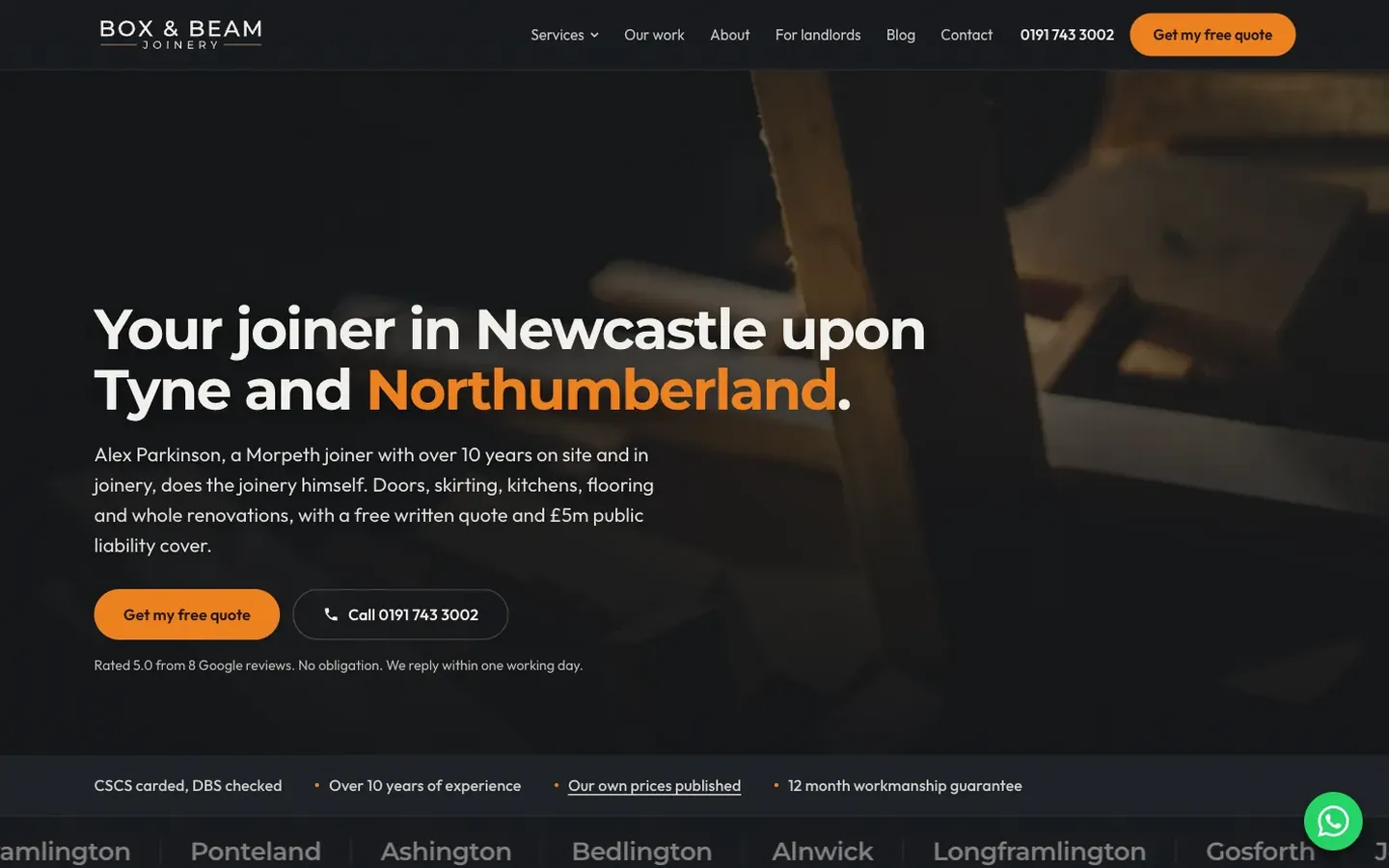
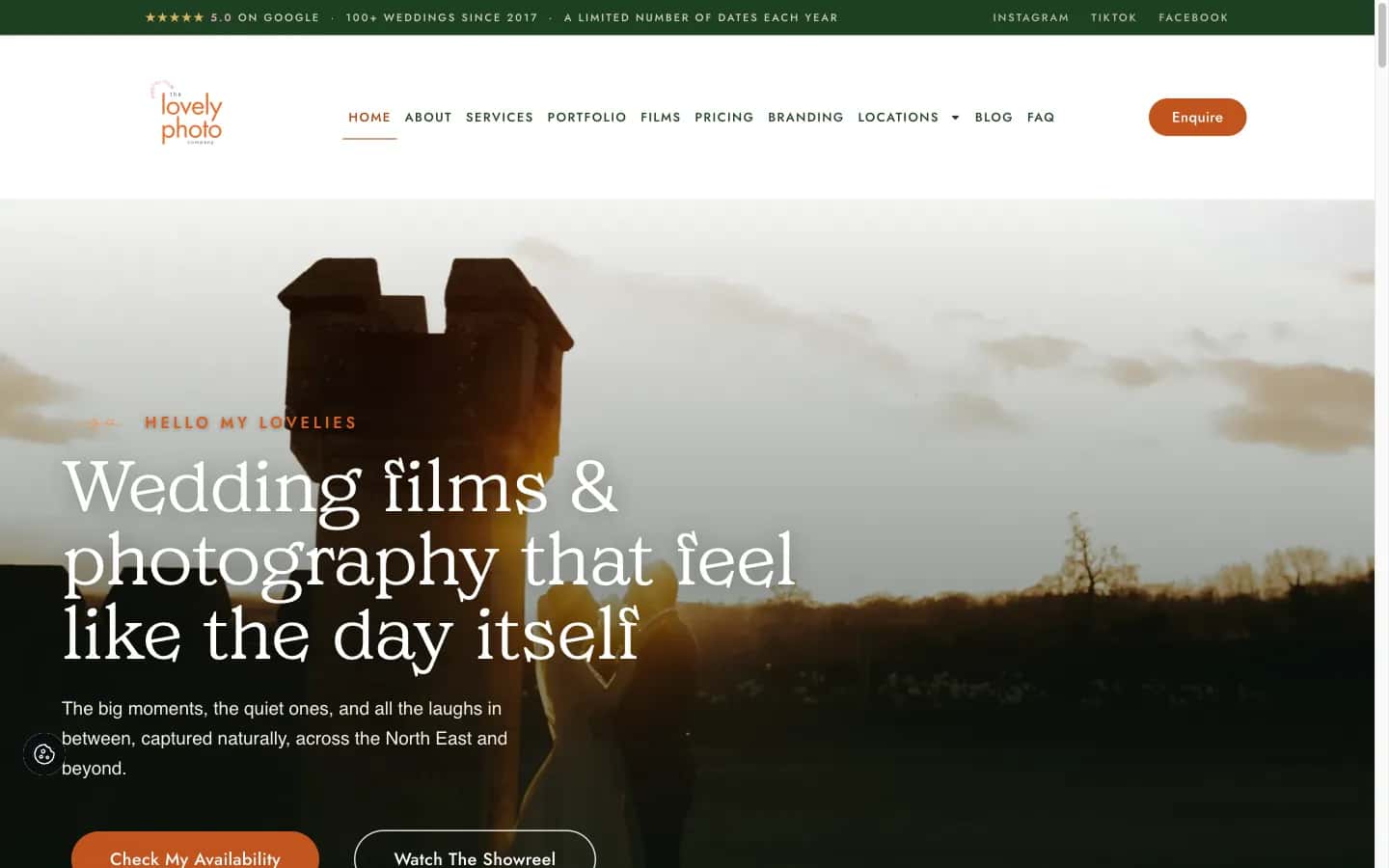
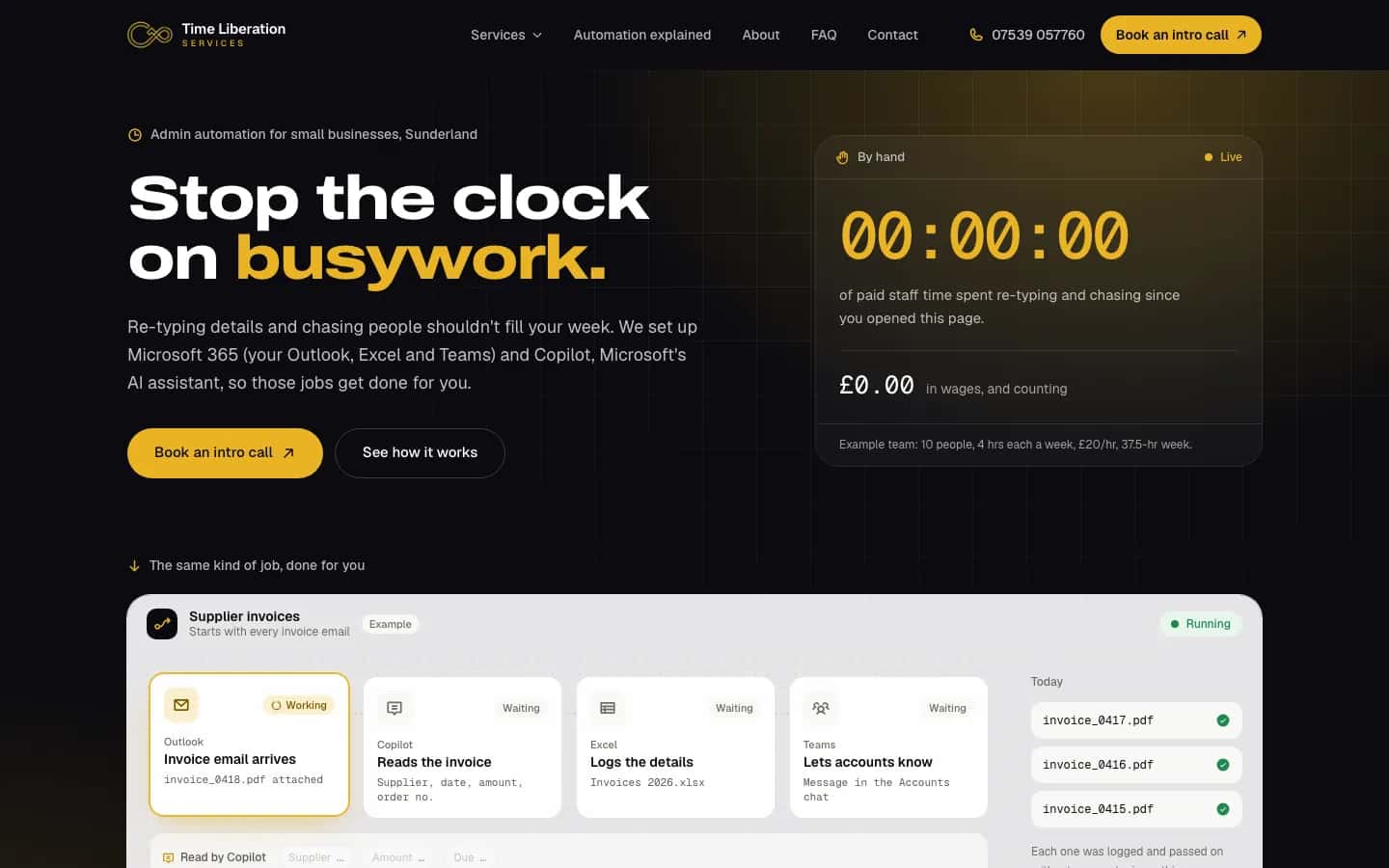
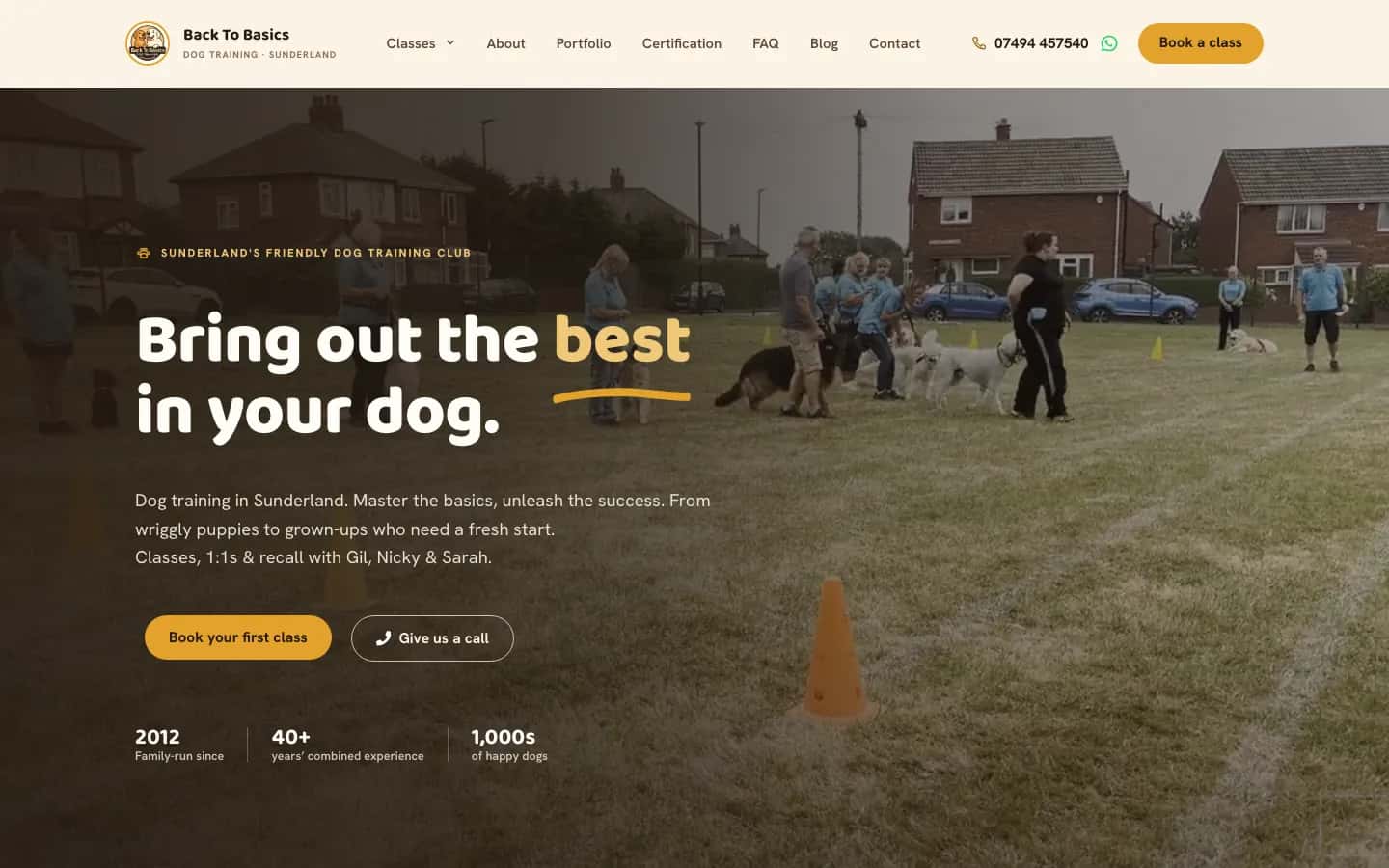
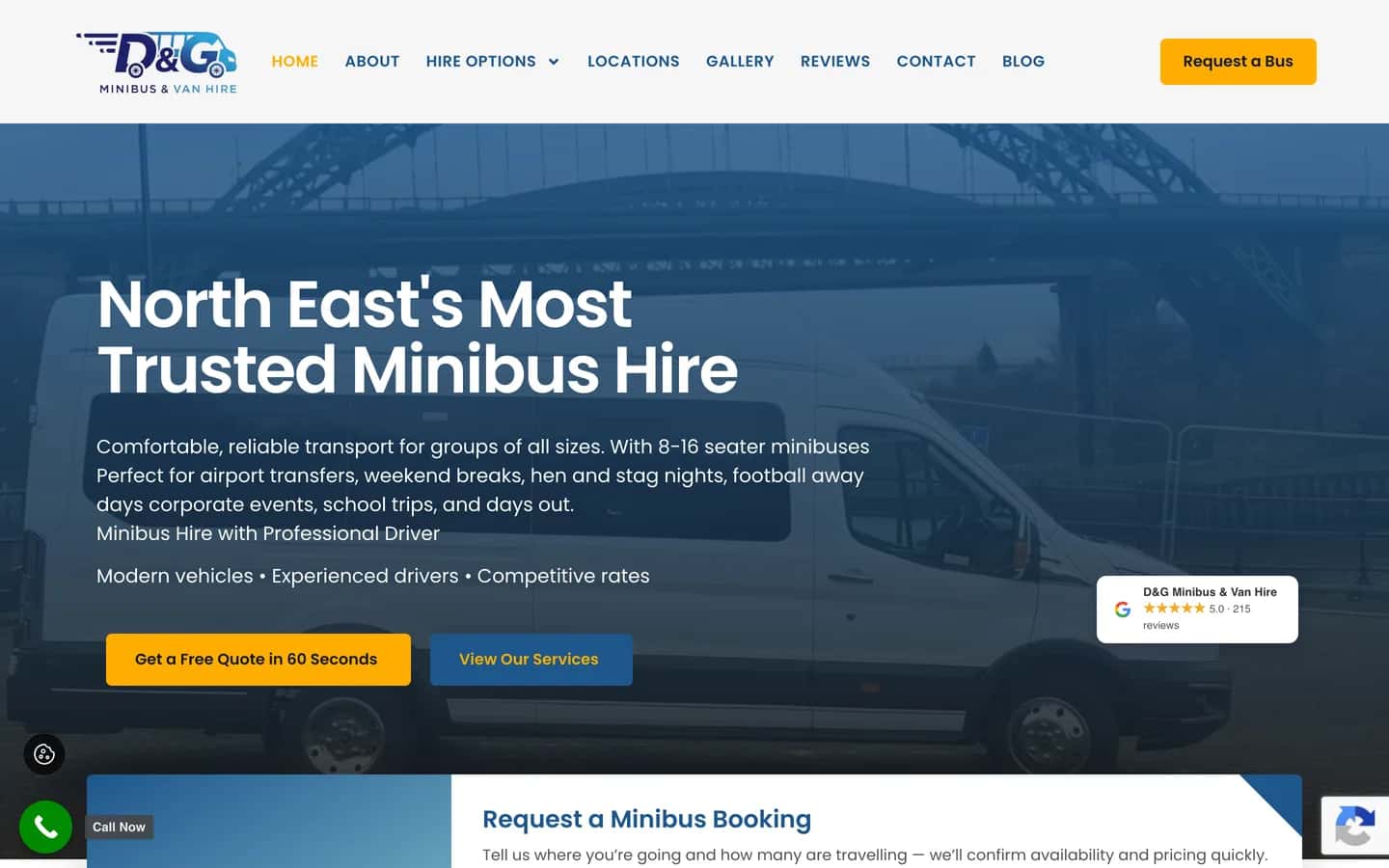
Sites I've built on WordPress include Box and Beam Joinery, The Lovely Photo Company, Back To Basics Dog Training and D&G Minibus and Van Hire. Smart Payment Solutions and Time Liberation run on Next.js.
Box and Beam Joinery
Built on WordPress.
Read the case studyVisit the live site: Box and Beam Joinery (opens in a new tab)Smart Payment Solutions
Built on Next.js.
Read the case studyVisit the live site: Smart Payment Solutions (opens in a new tab)The Lovely Photo Company
Built on WordPress.
Read the case studyVisit the live site: The Lovely Photo Company (opens in a new tab)Time Liberation
Built on Next.js.
Read the case studyVisit the live site: Time Liberation (opens in a new tab)Back To Basics Dog Training
Built on WordPress.
Read the case studyVisit the live site: Back To Basics Dog Training (opens in a new tab)D&G Minibus and Van Hire
Built on WordPress.
Read the case studyVisit the live site: D&G Minibus and Van Hire (opens in a new tab)

Can you change it yourself?
Yes. You can edit your own words and photos. How depends on the platform.
On WordPress, you log in and edit the page. On a Next.js site, how you edit depends on the job.
If you'd like to learn how, ask and I'll walk you through it. Small content changes are part of Care+ website maintenance, if you'd rather I did them.
What happens, step by step
- You and I talk. A free 15-minute call. I find out what the site needs to do.
- I send a fixed price in writing. It's the total. I'm not VAT registered, so there's no VAT to add.
- You pay a 50% deposit. Then I start.
- I build it. A standard site takes 3 to 6 weeks. Your own words and photos are best. If you don't have any, I can use licensed stock photos. If I write the words from scratch, that's quoted.
- You see it before it goes live. I send you a private preview link, and you send changes by WhatsApp or email. Two rounds of changes are included.
- You pay the other 50%, and it launches. If I'm replacing an old site, it stays live until the switch.
- Optional: Care+. If you want it looked after, Care+ is £49 a month. You can cancel with 30 days' notice. It's never required.
I'm the one you deal with throughout. I do the building and the checks.
My websites start from £795, and most cost between £1,500 and £5,000. See my prices, or for the bigger picture, honest UK website prices.
After launch: what still needs doing
A website isn't finished when it goes live. It still needs:
- The domain renewed.Domains have to be renewed to stay yours.
- Hosting.Someone has to keep it online and updated.
- Updates.Software and plugins need updating.
- Backups.So you can restore it if something breaks.
- Content changes.New prices, photos and posts.
- Your Google listing.It needs looking after too.
You can do it yourself, or I can do part of it. Hosting includes your certificate and software updates. Care+ adds weekly backups, small content changes and help with your Google listing, for £49 a month. Or I can shape a plan around your site, priced after a call.
After launch, if you want it
Optional, never required with a build.
Tools behind the extras
Some sites need more than pages. Card payments and deposits are one example. I've set up Stripe, SumUp and WooPayments, including pay-by-bank. Your Google Business Profile ties in with your site, too.
I describe what each tool does, and I tell you if a simpler one will do.
Check what your current site is built with
You can find out in two minutes.
- Open your site.
- Right-click the page and choose "view page source".
- Search for "wp-content".
- If you find it, the site is probably WordPress. If you don't, it might be a different system. A lookup tool like BuiltWith can tell you more.
Want me to look at your site properly? I'll check it and send you a short written report. It's free. Get a free website check.
Questions about how websites are built
Is WordPress good for a small business?
It can be. It lets you edit your own pages, and it has plugins for common features. It suits many small sites, and it's the one I'd pick when you want to do a lot of editing yourself. For custom work where speed matters, I'd pick Next.js. I still choose for each project.
Is Next.js better than WordPress?
It depends what you need. My rule of thumb is Next.js for speed and custom work, and WordPress when you want to do a lot of editing yourself. WordPress suits sites you want to edit yourself, with plugins for common features. Next.js suits jobs where you want more control over how the site behaves. Neither is better for every site. I use both.
Is WordPress secure?
Any website can be attacked, whatever it's built on. What helps is keeping the software updated and keeping backups. I include software and plugin updates in my hosting, and Care+ adds weekly backups. I can't promise a site will never be hacked.
Can I move my WordPress site to another host?
Usually yes. I host WordPress and Next.js sites, including sites built by someone else, so I can move yours across. If I build your site, your domain is registered in your name from day one, and your site and its content are yours once it's paid for.
How can I edit my WordPress website?
Log in, open the page and change the words or photos. If you'd rather not, ask me.

Not answered here?
Send me your question on WhatsApp and I'll answer it myself.
I reply the same working day, in UK hours.
Ready when you are
Not sure where you stand? Start with a free website check. Or ask me anything.
I reply the same working day, in UK hours.
Or ring 07935 996850. If I can't pick up, leave a message or WhatsApp me.
More plain guides are on my blog.
5.0 from 31 Google reviews (checked Nov 2026)