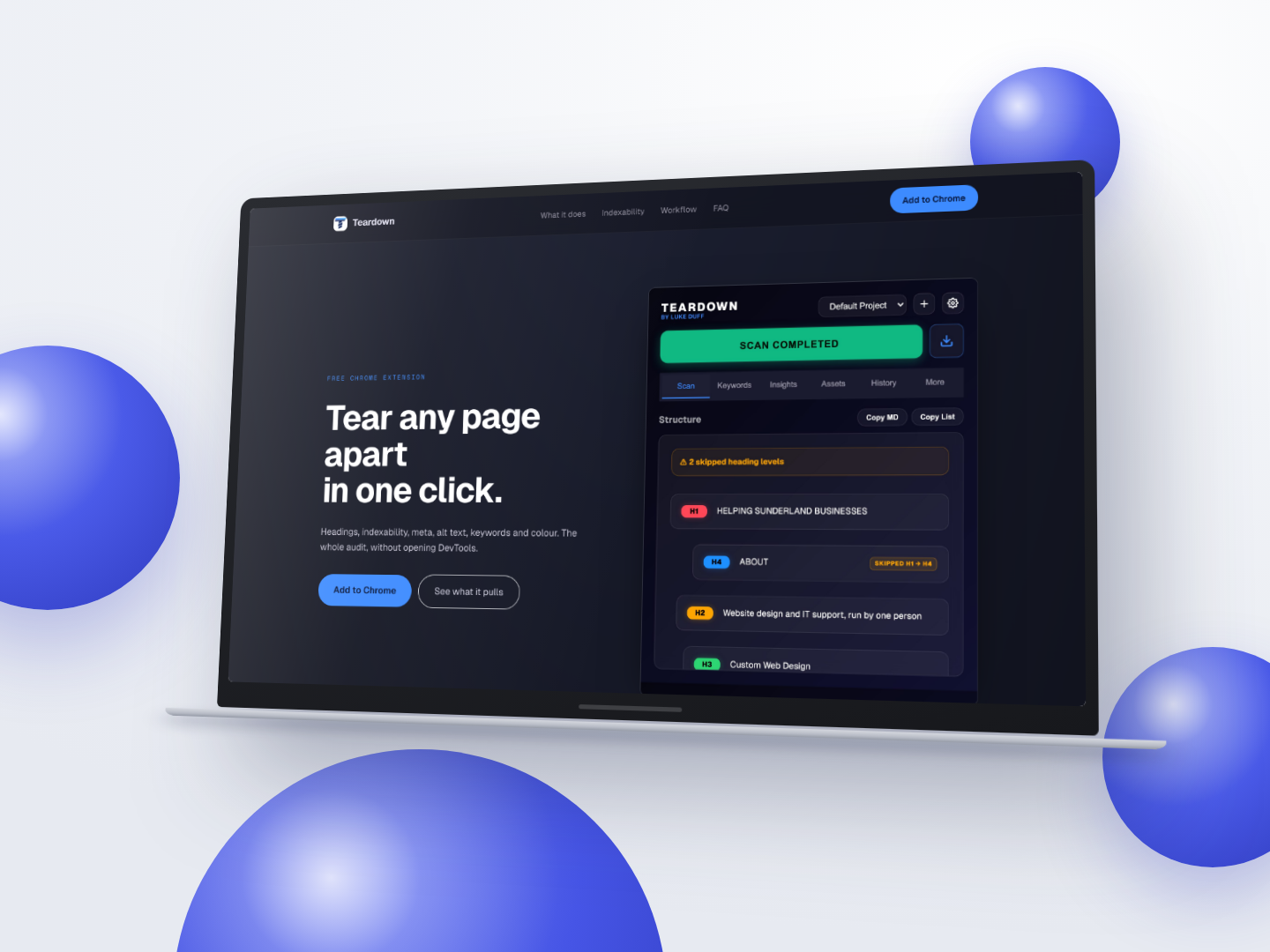
Split-text animation libraries rewrite headings into character-level inline blocks with no whitespace, so reading textContent returned run-together strings like "HelpingSunderlandBusinesses". |
Heading text is now read from innerText, which returns the rendered text a reader and a crawler both see rather than the raw structural markup. |
The original keyword pass used a tag allowlist and read only direct child text nodes, so words inside links, strong elements, table cells and figcaptions were invisible. On one test page it saw two instances of a phrase that appeared six times and missed the top commercial term entirely. |
Keyword extraction now walks text nodes with a TreeWalker, because link and emphasis text is precisely where commercial keywords tend to live. |
| Whitespace handling pulled in two opposite directions. Character-split animations needed adjacent inline text concatenated raw, while ordinary inline markup needed the gap between elements preserved. Fixing either case alone broke the other. |
The extractor was reworked to satisfy both cases simultaneously: split-character headings join cleanly while genuinely separate inline elements keep the space between them. |
Tokenising with \w treats every accented or non-Latin character as a word separator. "Reparation" with an accent came back as "paration", and Japanese and Arabic pages returned nothing at all. |
Tokenising moved to Unicode property escapes, with Intl.Segmenter for scripts that do not use spaces between words, and stop word lists merged in from the page's html lang attribute. |
WordPress and card-grid layouts emit one article per item. On a real client site the first was an inactive hero carousel slide holding 53 words, so scoping content to it reported a word count of zero on a page of roughly 2,000 words. |
A lone article now has to hold at least a third of the page's total text before it is trusted as the content root; otherwise the scope falls back to the wider page. |
| The stylesheet originally loaded a typeface from Google Fonts, which sent every user's IP address and user agent to Google on every popup open, while the privacy policy stated that no third party received anything. |
The font is now self-hosted inside the package. A build-time test scans every shipped file for third-party hosts and fails the build if one is found, so the privacy claim is enforced rather than asserted. The landing site's three CDNs were removed for the same reason. |
| The previous layout check was "does the page scroll sideways" plus "are there console errors", which passed while a screenshot sat 671px wide inside a 737px cell, hanging 99px over its neighbour. Nothing was logged and the page never scrolled, because the overlap was contained inside the grid. |
A geometry suite was added that measures elements against their containers across four pages at eight viewport widths, because a page-level check cannot see a component-level break. |