



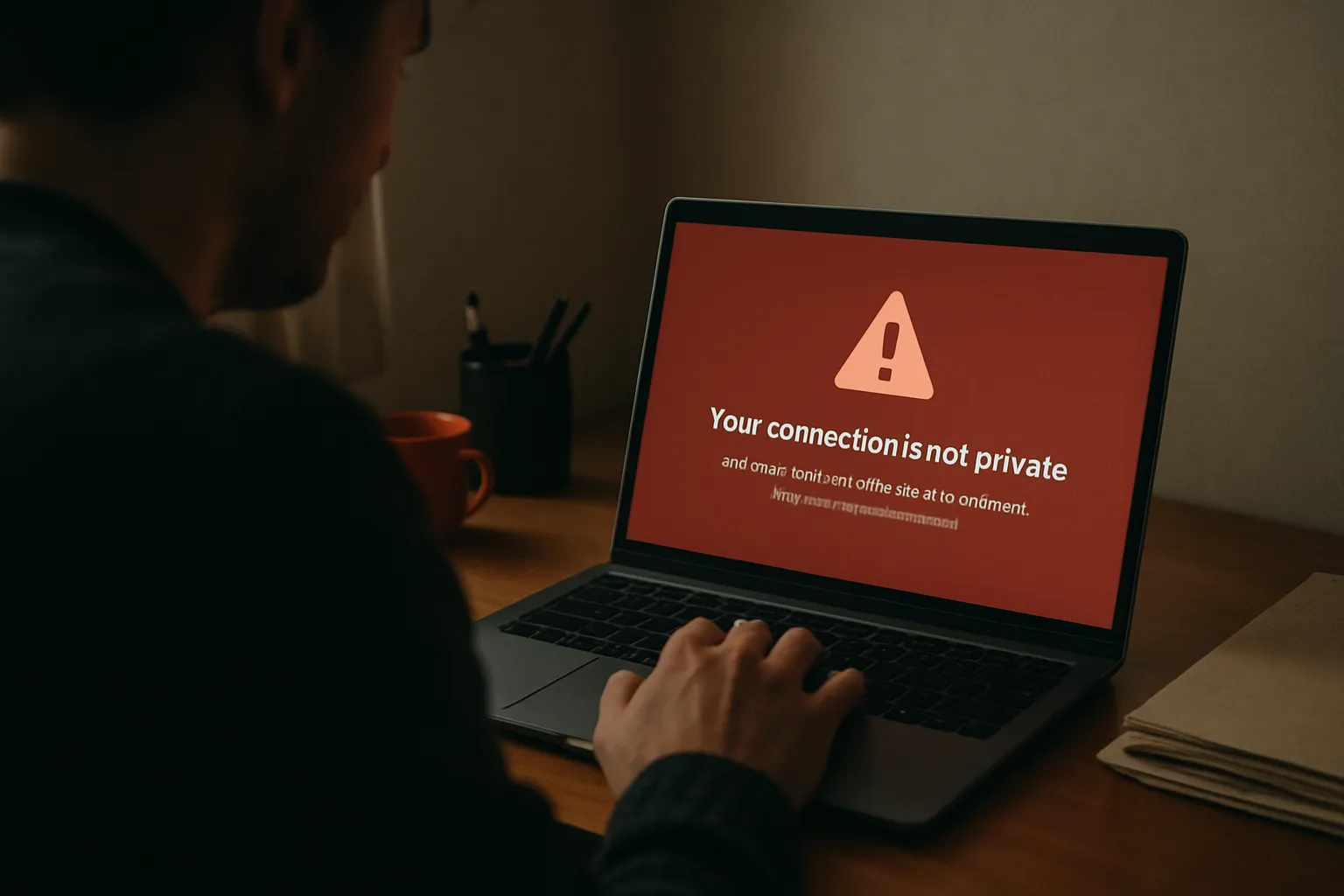
It’s the messages that give it away first, usually. A customer texts to say your site’s doing something odd, or you type your own domain into Chrome and get a full red page warning you off it. Maybe you’ve searched for your own business and spotted a warning label next to your listing. Whatever the trigger, you don’t need a lecture at half nine on a Tuesday night. You need a sensible order of steps when a WordPress site hacked warning is the reason you’re still awake.
I build and look after WordPress sites for small businesses across Sunderland and the North East, and a hacked site is one of the calls I’d rather get early than late. The first hour matters more than anything that follows, mostly because it’s easy to get wrong: you either panic and start deleting things, or freeze and leave the site open while you work out who to ring. Neither helps much. Here’s the order, plain, starting with the thing that’s easy to skip.
TL;DR
- Don’t delete anything yet. Back up the compromised site first, it’s evidence and it’s still the only copy of your content.
- Change your hosting password and your WordPress admin password straight away, from a device you trust, not the machine that might be infected.
- Open Users in your WordPress dashboard and check for an account you didn’t create. An account you don’t recognise can be how someone gets back in.
- An out-of-date plugin, a reused password, or a theme pulled from somewhere it shouldn’t have come from are common causes.
- Cleaning a hacked WordPress site and actually securing it afterwards are two separate jobs. Only doing the first gets you back here in a month.
WordPress Site Hacked? Don’t Touch Anything Yet
The instinct is to start fixing things straight away: deleting suspicious files, deactivating every plugin, anything to make the red warning disappear. Give that twenty minutes before you touch a thing. Have a proper look first. Open the site in an incognito window, since your own browser may have cached the clean version, and note down what you’re actually seeing. A spam page you didn’t write. A redirect to somewhere you’ve never heard of. Content sat quietly underneath your homepage that only shows up to Google, not to you, which Google’s spam policies call cloaking, and it’s hard to spot on your own.
Write it down as you go. What you see in that first look is the only record you’ll have of how bad this actually is, and it matters later, whether you end up reporting it or just trying to work out what got changed.
Back Up the Compromised Site Before You Clean Anything
This is an easy step to skip, because backing up a site that’s currently broken feels backwards. Do it anyway. A compromised backup is still evidence of what happened, and it’s also still the only copy of years of pages, images and blog posts if the clean-up goes wrong. Most hosts let you download a full backup, files and database both, from the control panel in a couple of clicks. Do that before you delete a single thing.
Keep it somewhere separate from the live site: a laptop, an external drive, cloud storage you control. If you end up needing outside help to clean it, whoever picks it up will want that backup in front of them, not a description of what you remember seeing.
Change Every Password That Touches the Site
Next, from a device you trust, not necessarily the computer you normally use to manage the site if you’ve any doubt about that machine being clean, change your hosting account password and your WordPress admin password. Both, not just one. If you use either password anywhere else, change that too. The National Cyber Security Centre’s own guidance on hacked accounts makes the same point for a reason: criminals know people reuse passwords, so a stolen one gets tried against every other account you own.
While you’re in there, log out every other session. Most hosts, and WordPress itself, have a “log out everywhere” option tucked into account or security settings, and it shuts a door you might not know is still open. Then turn on two-step verification wherever it’s offered, on the hosting account and the WordPress login both. NCSC pushes that one hard for the obvious reason: it means a stolen password on its own stops being enough.
Check the Users List for an Account You Didn’t Create
Go to Users in your WordPress dashboard and read every single name on the list. This is a check that’s easy to forget, and it can be a quick way to find out whether you’re actually locked out or just rattled. Someone who’s had proper access for a while may create their own administrator account as a way back in, sometimes with a name close enough to yours that it doesn’t jump out on a quick glance.
Delete anything you don’t recognise. Check the Administrator role specifically, since that’s the one that matters most. An Editor account you don’t know is odd and worth removing, but it’s not the same emergency as an Administrator you never created.
How the Attacker Actually Got In
Once the site’s backed up and the doors are locked, it’s worth knowing roughly how this happens, because it changes what you do next. Three causes are worth checking first.
An out-of-date plugin is one possible way in. The small utility plugin doing one boring job, a contact form, a slider, an SEO tweak, can sit versions behind because updating it never felt urgent. Being small doesn’t protect you: NCSC’s own figure is that one in two small businesses suffer a cyber incident every year.
A reused or weak password is the second cause. If your WordPress admin password is also your email password, or something you’ve been using since before the pandemic, that’s your likely answer.
A theme or plugin pulled from somewhere it shouldn’t have come from is the third. A “free” premium theme downloaded from a forum instead of bought properly can arrive with something already hidden inside it, sat there waiting. Check where your build came from. If any part of it didn’t come from the official WordPress repository or a legitimate paid source, start there rather than last.
If you’re not sure which of the three applies to your site, that’s usually the point where it’s worth a second pair of eyes rather than a guess.
Why Google Flags a Hacked Site, and How the Warning Gets Lifted
The red warning in Chrome, or the line sitting under your listing in Google’s search results, isn’t Google being dramatic. Google checks sites for malware and unwanted software that affects the people visiting them. For a WordPress site hacked this way, that warning is doing its job. Annoying, but correct.
You can see exactly what Google’s found in the Security Issues report inside Search Console, if you’ve got the site connected to it, and it’s worth setting up now if you haven’t. Once you’ve genuinely cleaned the site, not just removed the obvious spam page but closed whatever let the attacker in, you request a review from that same report. Google checks again and lifts the warning once it’s satisfied. It isn’t instant, and it won’t clear early because you’ve asked nicely. It only lifts once the site actually passes.
This is where doing the clean-up properly the first time pays off. It’s worth being sure the site is genuinely clean before you ask.
Cleaning It and Securing It Are Two Different Jobs
Here’s the part nobody tells you at nine at night when you’re just trying to get the red warning gone: getting the malicious files off your site and stopping it happening again are two separate pieces of work. Removing the obvious spam pages and the redirect gets your site looking normal. It does nothing about whatever let the attacker in to begin with.
Was the entry point an out-of-date plugin? Then update everything, all of it, not just the one you suspect. A weak or reused password gets changed properly this time, ideally into a password manager rather than back into your head. A theme or plugin from a dodgy source gets replaced with something from the official repository or a legitimate paid version. Skip this part and you’re not fixing the problem. You’re tidying up after it while leaving the door on the latch.
Whoever holds the hosting login and the domain matters here too. If you’re not certain that’s actually you at the moment, I’ve written before about working out who owns the different pieces of your website, and it’s worth checking before, not after, something like this happens again.
When a Rebuild Beats Trying to Guess
Sometimes the honest answer is that a full clean-up isn’t worth the hours it’ll take. If the site’s been compromised for a while, if you genuinely don’t know which files changed, or if the theme and plugin stack was already a mess before any of this started, a rebuild from a clean backup plus your actual content can get you back online faster than picking through thousands of files one by one.
That’s not me talking my own book, it’s mostly arithmetic. Hand-checking a compromised WordPress install properly takes real hours, and if someone’s charging you by the hour to do that guesswork, a rebuild can come in quicker and cheaper too. Worth having that conversation early rather than three hours into a clean-up that’s going nowhere. If a rebuild is where you land, I’d rather build it clean from the ground up than patch around an infected one, and what that involves is on my website design page.
And if the real issue sits wider than the WordPress install itself, your hosting setup, your backups, how everything talks to each other, that’s more of an IT infrastructure conversation than a single fix. That kind of wider job, not just patching the one hole, is where ongoing tech support fits better than a one-off job.
FAQs
How urgent is a WordPress site hacked warning, really?
Genuinely urgent, not dramatic-urgent. Every hour a malicious redirect or spam page stays live is an hour Google, and anyone visiting your site, sees it. Deal with the first hour tonight: back up, change passwords, check Users. The full clean-up and properly securing it can reasonably wait until morning if you need to sleep.
Can I clean a hacked WordPress site myself?
If you’re comfortable in the file manager and the database, yes, some people manage it. The two things that trip people up are missing a hidden file because you didn’t check everywhere, and cleaning the obvious mess without ever finding how the attacker got in, which just invites a repeat. If you’re not confident doing both properly, that’s the point to get help rather than guess.
Do I need to tell customers if their data was exposed?
If the site stores or has ever collected personal data, names, emails, order details, anything along those lines, and there’s a real chance it was accessed, that can trigger a legal duty to report the breach. The ICO’s own breach guidance is written for small companies and sole traders, and walks through the first 72 hours. Note the bit people get wrong: the clock starts when you discover the breach, not when it happened. I’m not a solicitor, so treat that page as the starting point rather than my word.
How do I know which plugin caused it?
You often can’t be certain without digging through server logs. The pattern’s usually there though. Check which plugins hadn’t been updated in months before the hack, and search the plugin’s name alongside “vulnerability” to see if anything’s been reported. Your host’s support team can sometimes see which file was modified first, so ask them directly rather than assuming.
Where do I report a WordPress hack in the UK?
Through the government’s Where to Report a Cyber Incident service, run by the National Cyber Security Centre. It points you at the right place for what’s actually happened, rather than you ringing round guessing who deals with it. One thing to know before you start: that report isn’t shared with the ICO. If personal data was caught up in it, that’s a separate report. The page says so itself.
You can run everything above yourself tonight, and plenty of people do. If you’d rather someone else took the mess off your hands, worked out what actually let them in, and made sure it’s shut for good rather than just tidied over, get in touch and I’ll tell you straight whether it’s a quick clean-up or a rebuild, no jargon and no upsell.